
How to Search Cases by Name
Anonymous public access to Smart Search comes through the North Carolina eCourts Portal. Pick the case or record search route. Type a party or business name. Add the Washington County location filter if a statewide result set comes back too broad. Smart Search handles a party name, a nickname, a sounds-like spelling, or a business name. For a public Case Summary, sometimes called a Register of Actions, the Portal works well. Need a current date, room, or judicial officer instead? Search Hearings is the more direct tool for that.
- Open Portal and select Smart Search for a public Case Summary.
- Enter a party or business name, then add first-name information or another criterion if the result list is too broad.
- Open Advanced Filtering Options and select Washington County under location when the case should be local.
- Use a public case type, status, or filing-date filter only when it is known, then open the matching public result.
Filters can shrink what you see. The official Portal training material makes that warning plainly, so if a name returns no public hit, try a different spelling, a broader status selection, or the case number. The Clerk’s local file check is the other fallback.
| Smart Search field | Type | Required | Verified use |
|---|---|---|---|
| Search text | Text | One criterion | Search a case or record number, name, or business. |
| Filter by Location | Dropdown | Optional | Select Washington County to focus a statewide search. |
| Filter by Search Type | Dropdown | Optional | Smart Search is the documented search type. |
| Include | Control | Optional | Cases, as shown in the official advanced guide. |
| Search by | Dropdown | Optional | Party Name, Nickname, Sounds Like, or Business Name. |
| Date of Birth From / To | Date fields | Optional | Public party-search criteria where appropriate. |
| Gender and Ethnicity | Dropdowns | Optional | Listed in the official guide; live option values are not republished in the research. |
| FBI Number / SO Number | Text | Optional | Identifiers listed in the official guide. |
| Filter by Case Type | Dropdown | Optional | Includes public civil, estate, special proceeding, and criminal and infraction categories. |
| Filter by Case Status | Dropdown | Optional | Status options depend on the chosen case type. |
| File Date Start / End | Date fields | Optional | Limits results by filing date. |
| Advanced Filtering Options | Expandable control | Optional | Opens location, party, and case criteria. |
| Register / Sign In | Account control | Optional | Anonymous search is available; My Cases saves cases without expanding restricted access. |
Washington County Case Lookup Filters
Washington County is just one selectable Portal location, not a database of its own. That matters when a common name drags in results from other counties. The advanced search material splits location, party, and case criteria apart. So you can keep the name broad first and then layer on Washington County, a public case type, or a file-date range. Stacking every filter at once can backfire. One mismatch hides a result that would otherwise appear. The official Portal resources also cover NC Judgment Search. It works as a judgment index by party or case number. Filters cover status, location, and judgment date. It can surface an indexed judgment result. For the fuller public Case Summary, though, Smart Search is the route back.
Note: A Washington County location filter narrows a statewide search. But it does not change what the public may see in a restricted case.
The official Portal landing interface gathers the public research options into one state system.
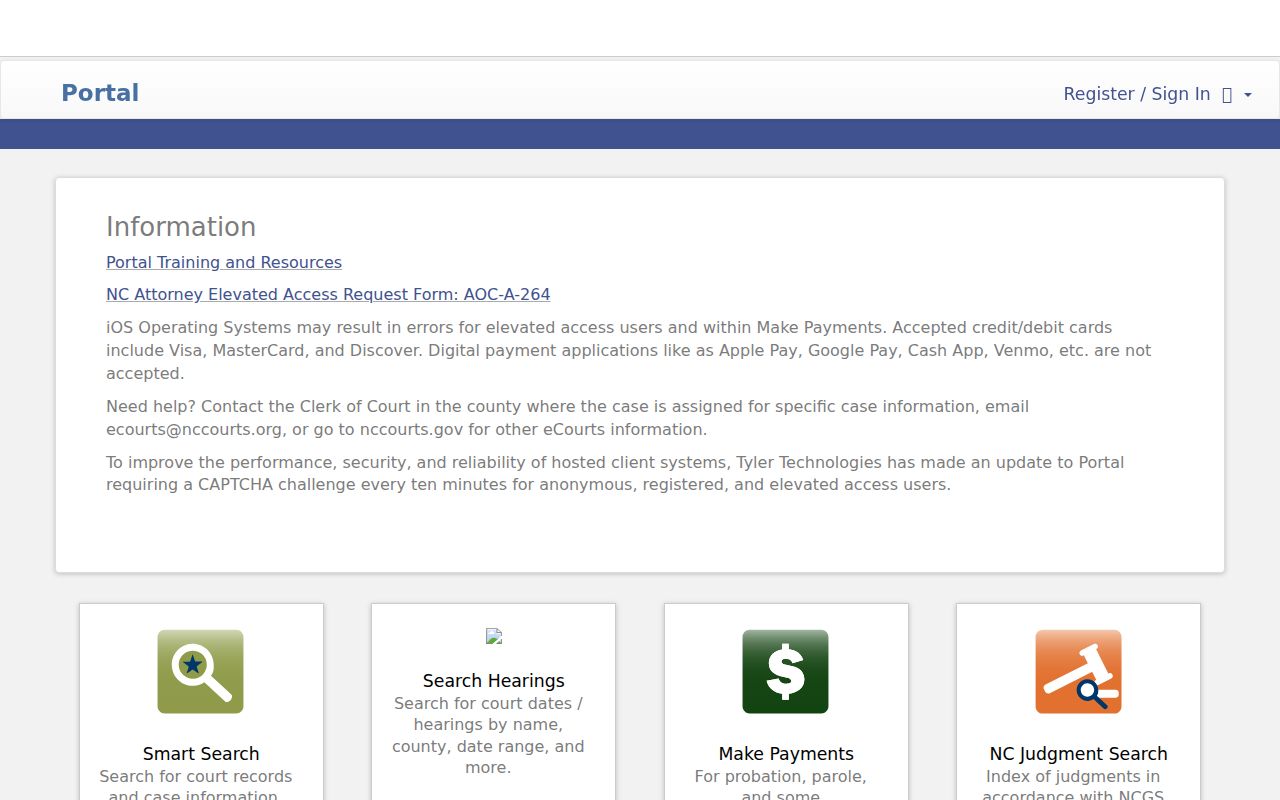
Search, hearing, judgment, and payment functions all sit in one state system on the Portal landing interface. There is no Washington County-only site for these public tools.
How to Search by Case Number
A complete number is often the fastest Washington County case lookup. Enterprise Justice case numbers have four parts. There is a two-digit year, case-type letters, a six-digit sequence, and a three-digit county identifier. The statewide training example is 21CR000003-910. That example shows the format only. It does not prove the ending identifier belongs to Washington County. Copy the full number exactly as printed on the Washington notice, citation, calendar, or court file. Paste that full number into Smart Search when you have it. Searching for a hearing rather than the case history? The Portal’s Search Hearings service also accepts a case number. A partial number or one copied without its letters can mislead. So can a different county’s identifier. Either one can steer you to the wrong public record or none at all.
Washington County Case Search Wildcards
Portal wildcard rules are precise. For a case number, the official material demands at least four characters before an asterisk. For a last name, use at least three characters before the asterisk. A first name gets by with one character plus the asterisk. These rules rescue a search when a name is incomplete. But every wildcard also widens the match list. Pair one with Washington County when the court you expect is local.
- Case Summary
- Portal’s public detailed view of case information and dated case events.
- Register of Actions
- The court-record term for the public chronological event record shown through the Case Summary.
- Case event
- A filed, noticed, scheduled, or court-recorded step in a case.
What a Case Search Shows
A public Portal result leads to a Case Summary, not the official paper file. The verified public inventory covers case and assignment information. It also covers public party information and causes of action in eligible civil, family, probate, and mental-health matters. Case Events lays out the public chronology. Hearings, dispositions, and financial information appear when applicable. Public documents may be attached too. Still, what you can see depends on whether the record is public or restricted.
| Case identity | Case Summary, case number, Case Information, and Assignment Information. |
|---|---|
| Parties | Public Party Information and roles, subject to access rules. |
| Case subject | Causes of Action for available public civil-side categories. |
| Chronology | Case Events, the Portal counterpart to a Register of Actions. |
| Scheduling | Hearings, with Search Hearings used for current time and location searches. |
| Outcome and money | Dispositions and Financial Information when applicable. |
| Documents | Public documents when available; restricted, sealed, and confidential documents stay unavailable. |
The online view is not the official court record. When an official version or a certification is required, a Clerk-issued copy is what you need.
Washington County Case Summary Fields
The Case Summary lets you tell the current case status apart from its individual events. A hearing sits in the scheduling portion of the record. A disposition records an outcome. Financial Information shows up only when applicable. Public documents are viewed one at a time. A document too large for Portal can trigger Error Code 141011. The official Portal FAQ tells the requester to ask the Clerk to split an oversized file. The public timeline may be enough to confirm a filing or a setting. It does not replace the motion, order, exhibit, recording, or transcript behind an entry in the Clerk’s file. That gap matters most for older records and for anything not available online. The official Portal resource page describes Smart Search, Search Hearings, public access, and account options.
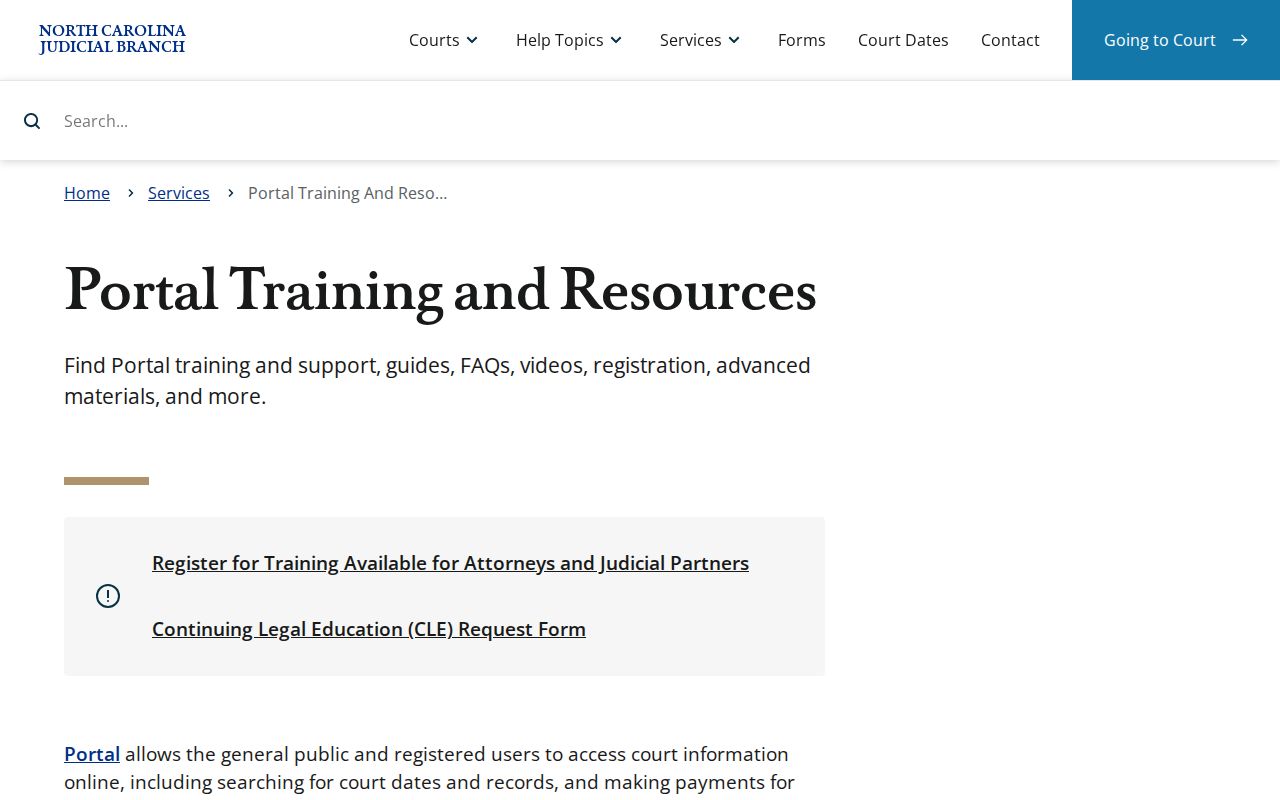
For Portal features, public-access guidance, and the difference between searching a case and searching a hearing, the official resource page is where to begin.
County vs Statewide Case Search
Washington County does not run its own local search tool. Instead, its court records sit inside the statewide North Carolina eCourts Portal. Picking the county simply filters that one system. Two search modes do different jobs. Smart Search digs up the public case history. Search Hearings answers questions about a court date, courtroom, location, or judge. Need a calendar view? The official Civil and Criminal Calendars site also covers Washington County files. Just choose the county and a calendar type.
| Channel | Best use | What it returns |
|---|---|---|
| Portal Smart Search | Find a public Washington case by number, party, or business. | Public Case Summary, case events, available documents, and related information. |
| Portal Search Hearings | Confirm a current setting. | Public hearing location and time based on case, party, attorney, officer, or courtroom criteria. |
| Civil and Criminal Calendars | Find published Washington calendar files. | Available District or Superior, civil or criminal calendar documents. |
| Clerk of Superior Court | Inspect a file or seek an official copy. | Paper-file and certification route, subject to access rules. |
A hearing date that is close at hand deserves a second check. Compare what the Portal shows against the current notice or confirmation from the Clerk. An older calendar file should never be treated as final.
Washington County Portal Accounts
No account is needed to search public information on the Portal. Registering unlocks My Cases, which lets you save cases for quick reference. That is where the extras end. Registration grants no wider right to view confidential, sealed, juvenile, or restricted records of any kind. Elevated access goes only to people with legal authority under the court's rules. It does not go to ordinary sign-ups. Separately, the File & Serve eFiling gateway serves court filers in eCourts counties.
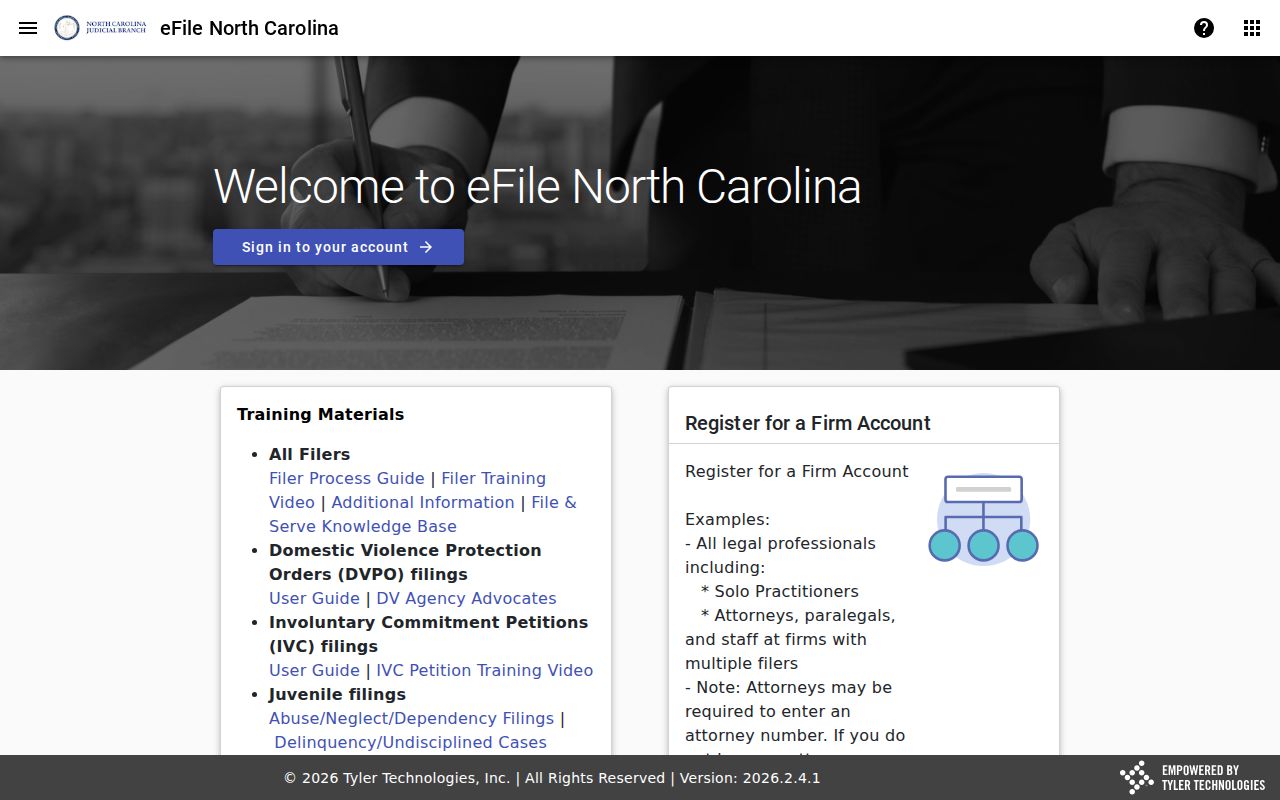
Keep the two systems straight. File & Serve handles electronic filing for court filers in eCourts counties, while Portal is the public research layer behind Washington County case lookup.
Restricted Cases and Access Rules
Portal opens a wide door to public material: civil actions, nonconfidential special proceedings, estates, criminal actions, and other public records. Confidential and sealed files stay closed to public users. North Carolina law keeps juvenile records away from public inspection except where the law itself allows it. A sealed portion opens only under a court order that spells out that permission. Unreturned criminal warrants and certain protected-order details can be restricted too.
What if a Washington County case never appears? That alone proves nothing about expungement or whether it was filed. The case could be restricted. It might sit under a different name or number, outside online coverage, in a paper or legacy file, or simply missed by your search terms. The Clerk can point you to the right procedural forms and the file custodian. The office cannot give legal advice.
Washington County Case Search After No Result
A dead-end result does not close the door. Retry Smart Search with the full case number or fewer filters. If all you need is a court date, try Search Hearings next. From there, the Washington County Clerk of Superior Court is the local fallback. It offers a public terminal, paper-file inspection, help with older records, and certified copies. The Clerk's office sits at the courthouse in Plymouth. The local number is (252) 791-4000.
One history note matters for record hunters. Washington County joined eCourts on February 5, 2024. Older physical files and migrated records may not look in Portal the way a newer online record does. The official record always stays with the Clerk. It remains in the county where the case was filed.
Note: A public Portal omission can stem from access limits, a search mismatch, or record scope. Never treat it as a final finding.